Beginner's guide to Petit Planet
What to focus on in your first days as a Planet Tender, and a short checklist for every day after that. Based on the beta tests; we'll update it after the December 4 launch.
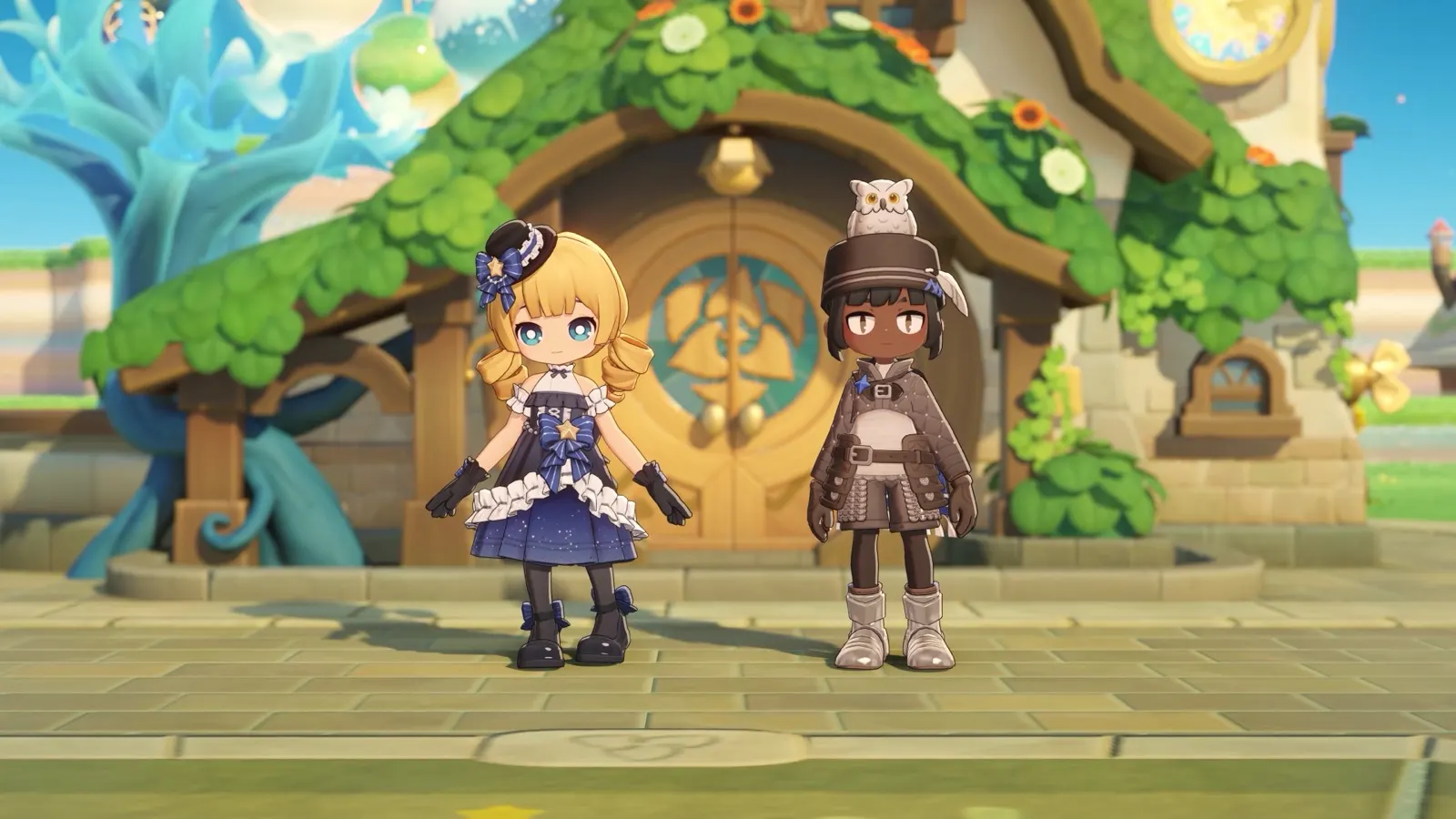
Your home galaxy
Your planet sits in one of two galaxies, and that choice sets the look of your land and the Starsea zone you start exploring. You can visit the other galaxy's zone later through a friend whose planet is there.

Hexia
Planets of the Hexia Galaxy boast emerald plains and rolling, velvet hills, forming a fertile tapestry woven with glistening rivers and brimming with rustic charm.

Taffeh
Planets of the Taffeh Galaxy feature yellow grasslands and tiered sandstone cliffs that blaze a golden hue in the sunset's glow.
Your first days
Grow the Luca Arbor
The Luca Arbor is your planet's progress tree. Each level unlocks something: the beach at Lv. 1, farming at Lv. 2, more farm plots, weather, mountains and room for more neighbors later on. Feed it whenever you can.
Every Luca Arbor level →
Start farming
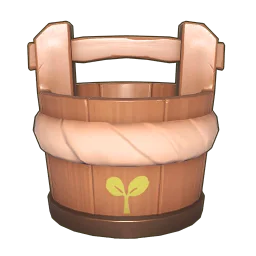
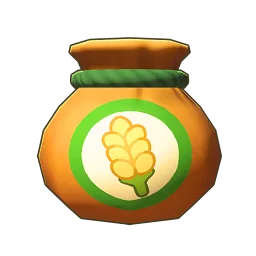
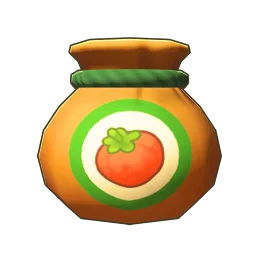
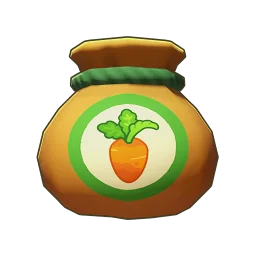
Once you have the Shovel and the Watering Bucket, dig a hole anywhere on your planet and plant a seed. Glenn's Goods sells seeds daily, and your Farming skill unlocks more of them as you harvest.
Seeds & crops →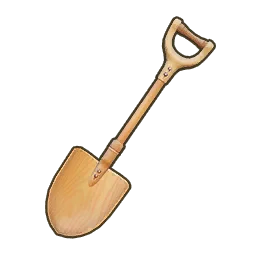
Catch creatures
Fish, bugs and shore-dwellers each need their own tool. Bigger catches sell for more, and every new species raises your Folio Score, which pays out Dough and rugs.
What can I catch? →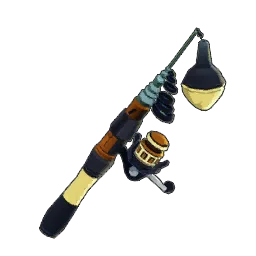

Go on Starsea Voyages
Talk to Elsasani at the Station to set out. Bring up to two neighbors to help, and spend a Star Anchor to land on each Islet. Islets have seeds, furniture and surprise boxes, and they're where you meet new neighbors.
Where to get Star Anchors →

Invite neighbors
12 neighbors can be invited so far. Meet them twice, invite them over, then ask them to move in.








Daily checklist
Tick things off as you go. Your ticks are saved on this device and clear each day.
All done for today. See you tomorrow, Planet Tender.
Keep track as you go
Tick off what you catch, cook and collect on this site and My Planet shows your progress. Sign in to keep it in sync between your phone and computer.